Oct 10, 2026
Oct 10, 2026

Oct 09, 2026
Oct 09, 2026
Sep 16, 2026
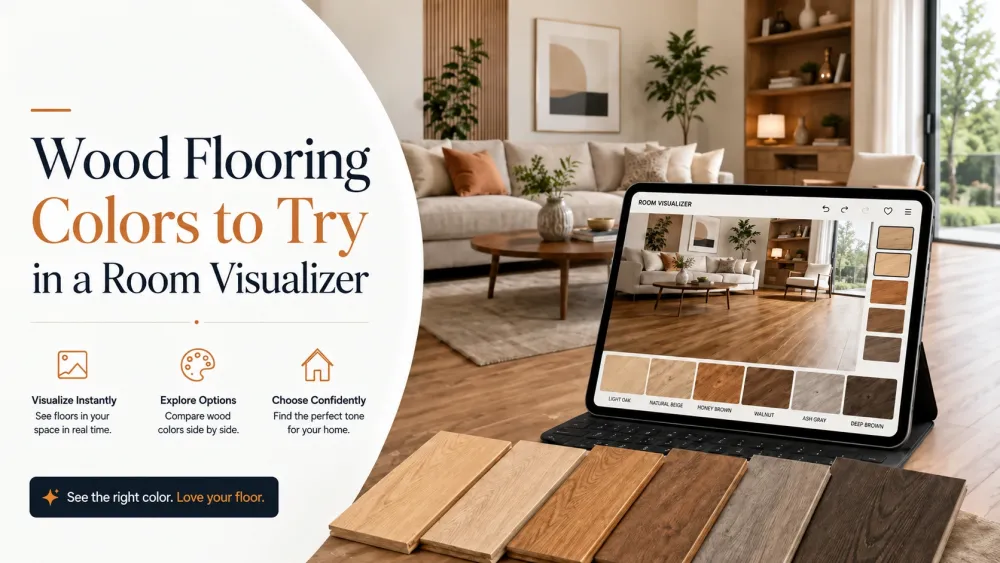
Choosing a wood flooring color is easier when you can see it across the entire room—not just on a small sample.
A light oak shade might make one room feel open and relaxed, while a deeper brown could add contrast and warmth. But lighting, wall colors, furniture, cabinets, and room size can all change how the same flooring color appears.
That's why experimenting with different wood flooring colors in a room visualizer can be more useful than judging colors individually.
With a flooring visualizer, you can preview different shades in a room, compare alternatives, and narrow down the look that works best before making a flooring decision.
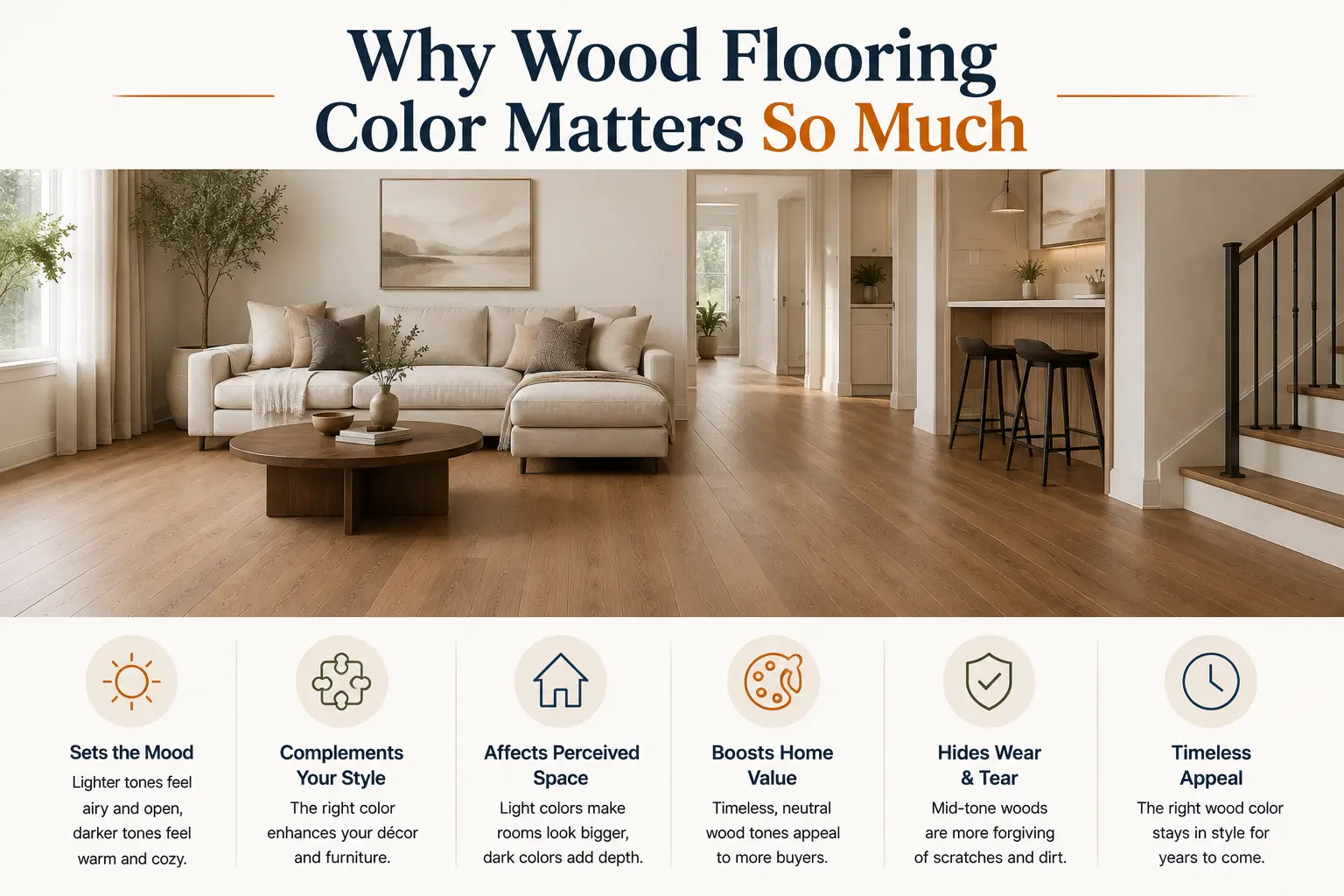
The floor is one of the largest visible surfaces in a room. Its color can influence the overall mood of the interior and how other design elements appear.
Lighter wood colors can create a brighter visual foundation. Medium shades can introduce natural warmth, while darker colors can produce stronger contrast and a more dramatic look.
But color rarely works in isolation.
The same wood shade can look different depending on:
Instead of trying to picture all these combinations mentally, you can use a wood floor visualizer to see them together.
The exact process varies by platform, but the experience can be remarkably simple.
Start by uploading a photo of the room you want to redesign. Alternatively, you can select from available pre-designed rooms.
Choose the wooden flooring product or style you want to explore. Tilesview supports wooden flooring as well as related categories such as hardwood, engineered wood, laminate, vinyl, SPC, and WPC.
Apply the selected flooring to your room and view how the color, texture, and pattern work within the space.
Try light oak, natural oak, grey, walnut, chestnut, or darker wood shades rather than settling on the first option.
Tilesview's visualization experience is designed around three simple actions: click or select your room, select a product, and visualize it in your space.
Use the visualized result to compare your shortlisted options before making a purchasing or installation decision.
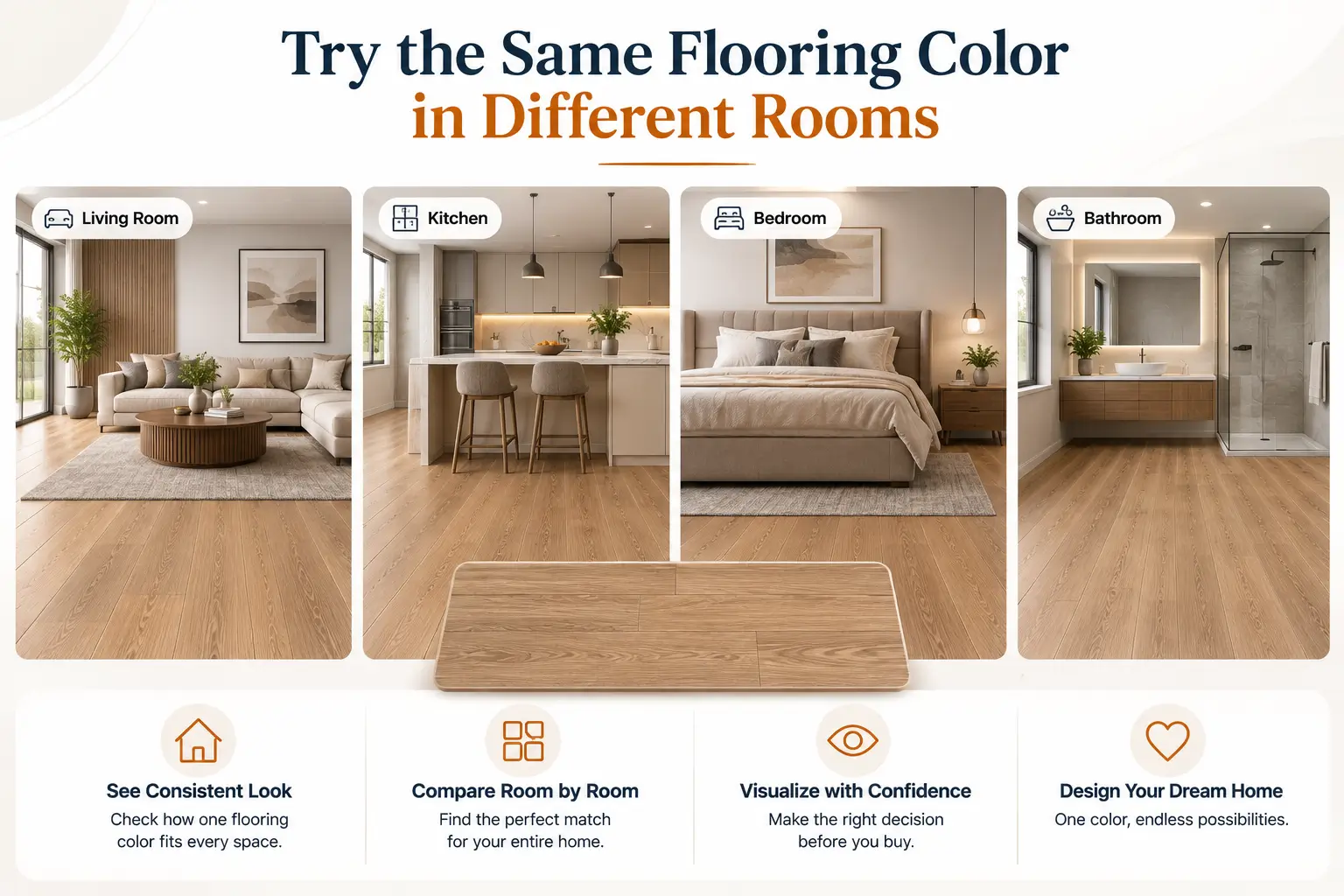
A flooring color that works beautifully in one setting won't necessarily create the same effect elsewhere.
Try the same shade in a:
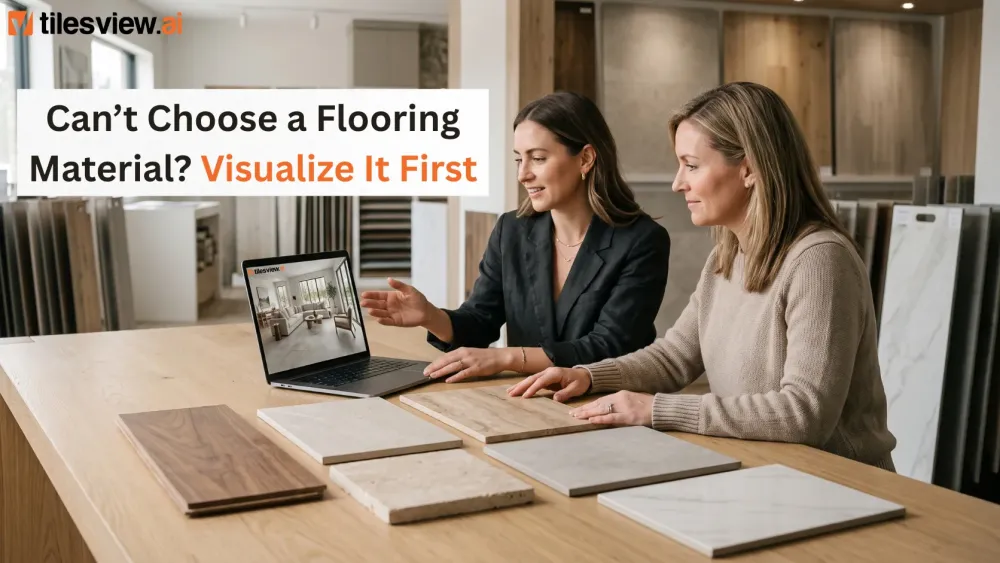
This is particularly useful for flooring brands and retailers because customers can understand how one product may appear across different environments.
One of the biggest advantages of visualization is comparison.
You don't have to rely on memory when switching between products. You can visualize one flooring option, change it, and compare the result with another.
Tilesview specifically highlights its comparison capabilities, allowing buyers to evaluate different products in real room scenes before making a decision.
This can help answer practical questions such as:
A major advantage of Tilesview is that the experience isn't limited to flooring.
Your floor is only one part of a room.
The wall color, wallpaper, wall panels, rugs, and other surfaces also influence the final appearance. Tilesview supports multiple surface categories, allowing users to visualize different products within the same space.
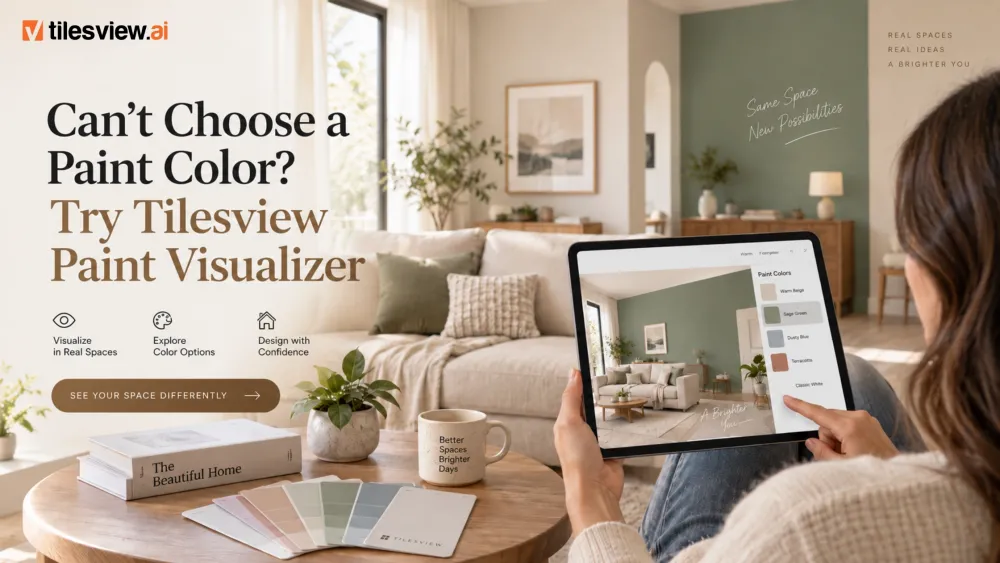
For example, after selecting a wood flooring product, you can experiment with wall colors using the integrated paint visualization experience.
This helps you understand the relationship between the floor and the walls rather than choosing them independently. Tilesview's wood flooring visualizer specifically supports pairing flooring visualization with wall colors through its integrated paint visualizer.
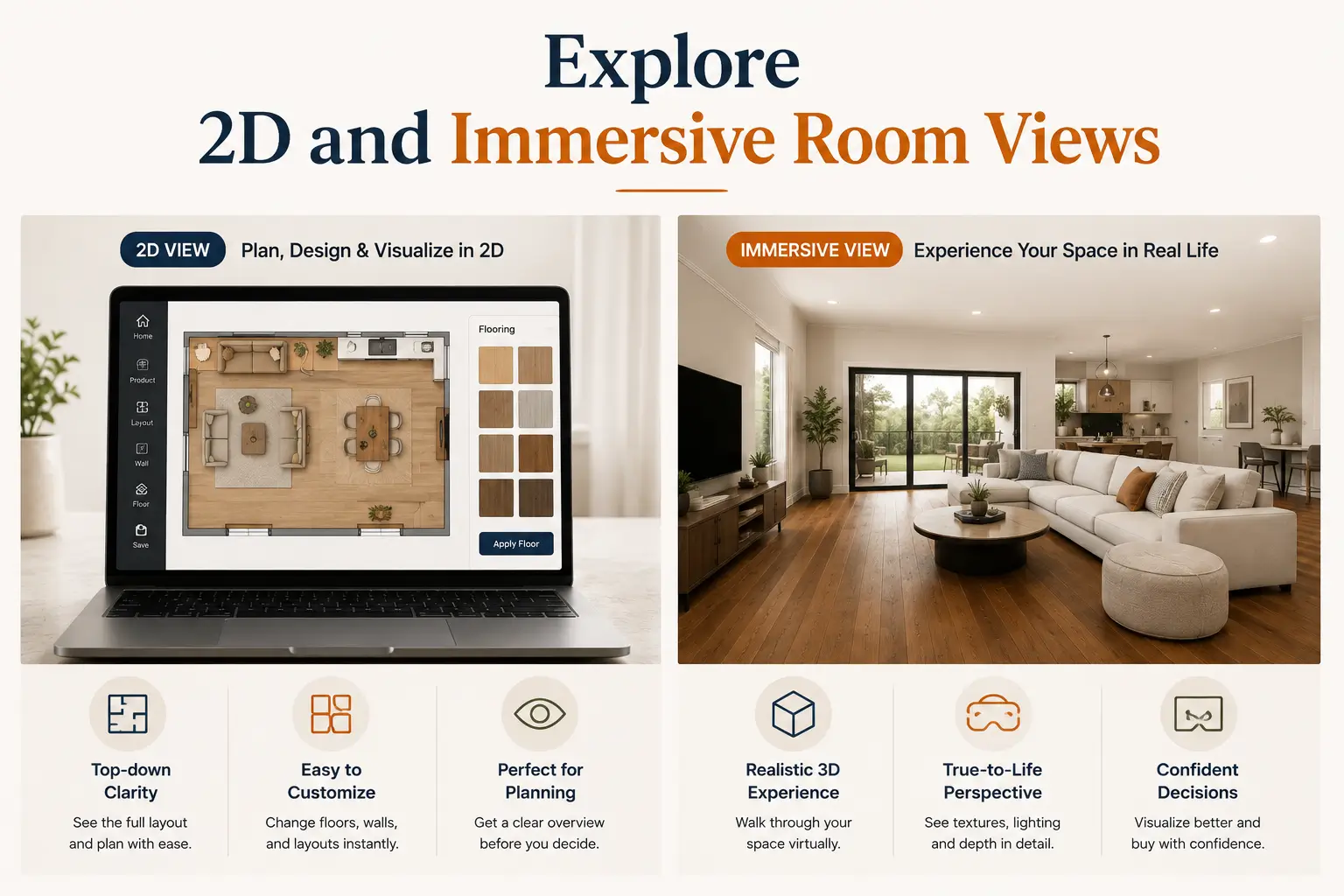
Visualization becomes more useful when you can examine the result from different perspectives.
Tilesview provides 2D visualization and panorama-based experiences that help users understand how products appear within the space. The platform also offers a 360° panorama feature for a more immersive room experience.
Instead of viewing a flooring product as a flat catalogue image, users can experience it as part of the room.
This can be particularly useful for designers, retailers, manufacturers, and customers who want a more realistic understanding of the finished space.
The floor is part of a larger material palette.
Consider how your selected color interacts with:
Tilesview is designed for multi-surface visualization across flooring and wall-covering categories, making it possible to build a more complete picture of the space rather than evaluating a flooring product by itself.
Don't choose between light oak, warm brown, greige, espresso, or charcoal based on a small image alone.
Put the colors into context.
Upload a room, visualize the flooring, compare different shades, and see how each option works with the rest of the interior.
For flooring businesses, the same experience can help transform a static product catalog into a more visual buying journey.
Ready to let customers visualize your flooring collections? Explore Tilesview's AI room visualizer and request a demo for your business.

Anand Bhoraniya is a technology entrepreneur and visualization innovator at Tilesview, specializing in AI-powered room visualization software for tile, flooring, paint, and wall covering brands. He regularly shares insights on AI visualization trends, virtual showroom experiences, personalized design technology, warm minimalist interiors, and photorealistic room design solutions.
Get the latest insights on room visualizer, interior design trends, and product updates delivered to your inbox.
No spam. Unsubscribe anytime.